
The Secure Choice for Modern Teams.
Merge, compare, and protect your documents with zero cloud footprint. Your files stay yours.
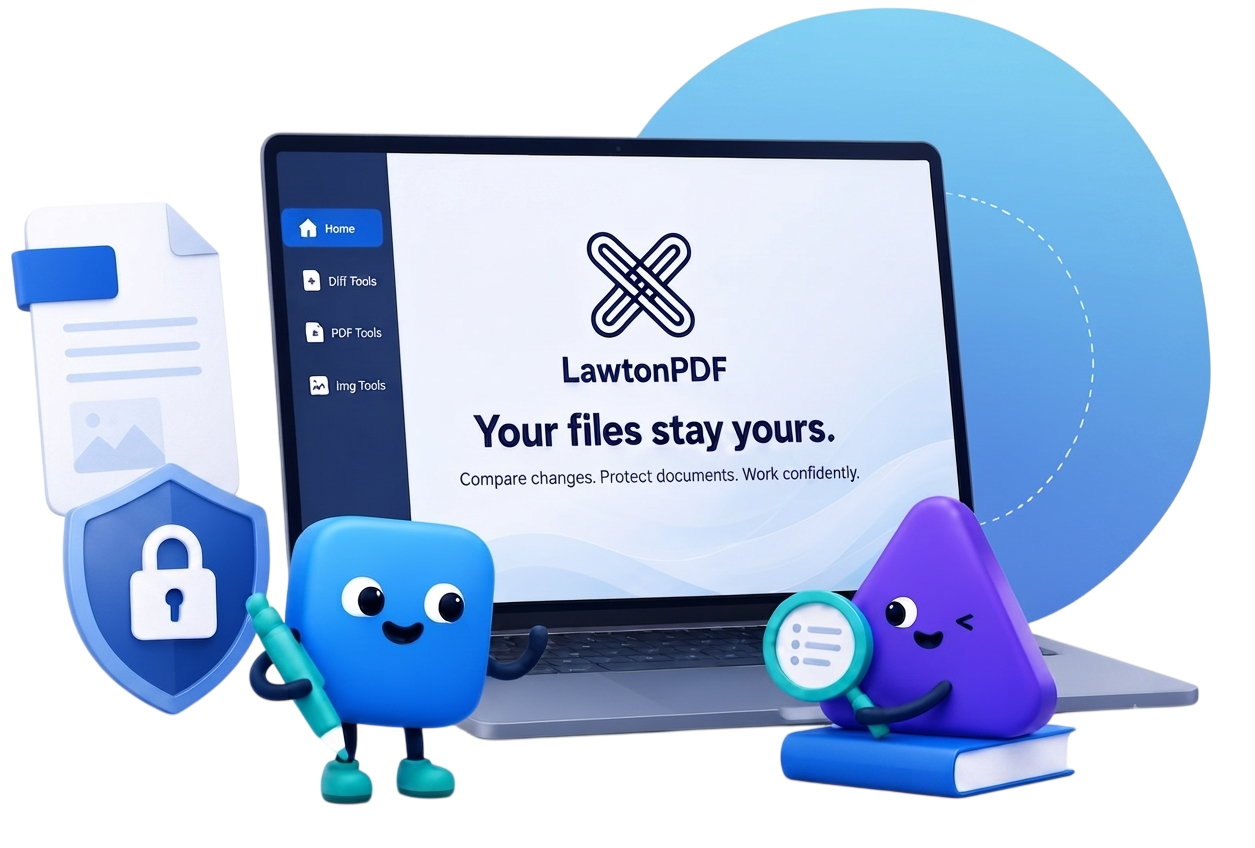
LawtonPDF Is All You Need
Powerful tools engineered for speed, precision, and privacy. Everything runs seamlessly right on your local architecture.
PDF Tools
Merge, split, and organize highly sensitive documents locally with zero data leakage to external servers.
- Multi-File Operation
- A simple, secure, easy-to-use toolset.
- Intuitive Page Organization
- Secure PDF Utilities
Advanced Comparison
Compare PDFs, text, images, spreadsheets, and folders with side-by-side review workflows.
- PDF & Document Comparison
- Text & Code Comparison
- Spreadsheet & Data Alignment
- Folder comparison
Team Administration
Centralized billing and license management dashboard. Control access and ensure strict team compliance effortlessly.
- Plans fit your needs
- Access & Permission Controls
- Centralized billing
- License management
Enjoy all the tools you need to work efficiently with your digital documents while keeping your data safe and secure. LawtonPDF combines powerful PDF tools with local processing, giving professionals complete control over their documents without compromising security or performance.
Privacy by Design
Your documents stay on your computer. Files are processed locally and are never uploaded to the cloud.
Fast & Efficient
Built for performance with a native desktop engine that handles large documents quickly and reliably.
Designed for Professionals
Trusted workflows for legal, engineering, finance, and healthcare teams that work with sensitive documents every day.
Everything you need to work with PDFs
Fast, secure, and processed locally on your computer. No uploads. No waiting.
PDF Compare
Compare contracts, legal documents, reports, proposals, drawings, and PDFs with visual change detection.
Spreadsheet Compare
Compare Excel workbooks, financial models, budgets, inventories, and pricing sheets to identify every change.
Organize PDFs
Reorder, merge, split, extract, rotate, insert, duplicate, replace, or delete pages with an intuitive drag-and-drop workspace.
Password Protect PDF
Secure confidential contracts, legal documents, financial reports, and client files with AES-256 encryption.
Bulk Search
Search thousands of keywords keywords, phrases, IDs, or case numbers in a single operation.
View All Tools
Explore our complete collection of PDF and document tools.
Browse ToolsPlans & Pricing
Get unlimited access to LawtonPDF tools for you and your team with pricing that's right for you.
Plus
per user, billed weekly, monthly or annually.
Business
per user, billed annually.
Professional PDF Tools.
Complete Privacy.
Merge, compare, organize, and protect your PDF documents with a desktop application designed for professionals. Your files stay on your computer—never uploaded to the cloud.