
PDF Compare
Compare two PDF documents and find every change instantly.
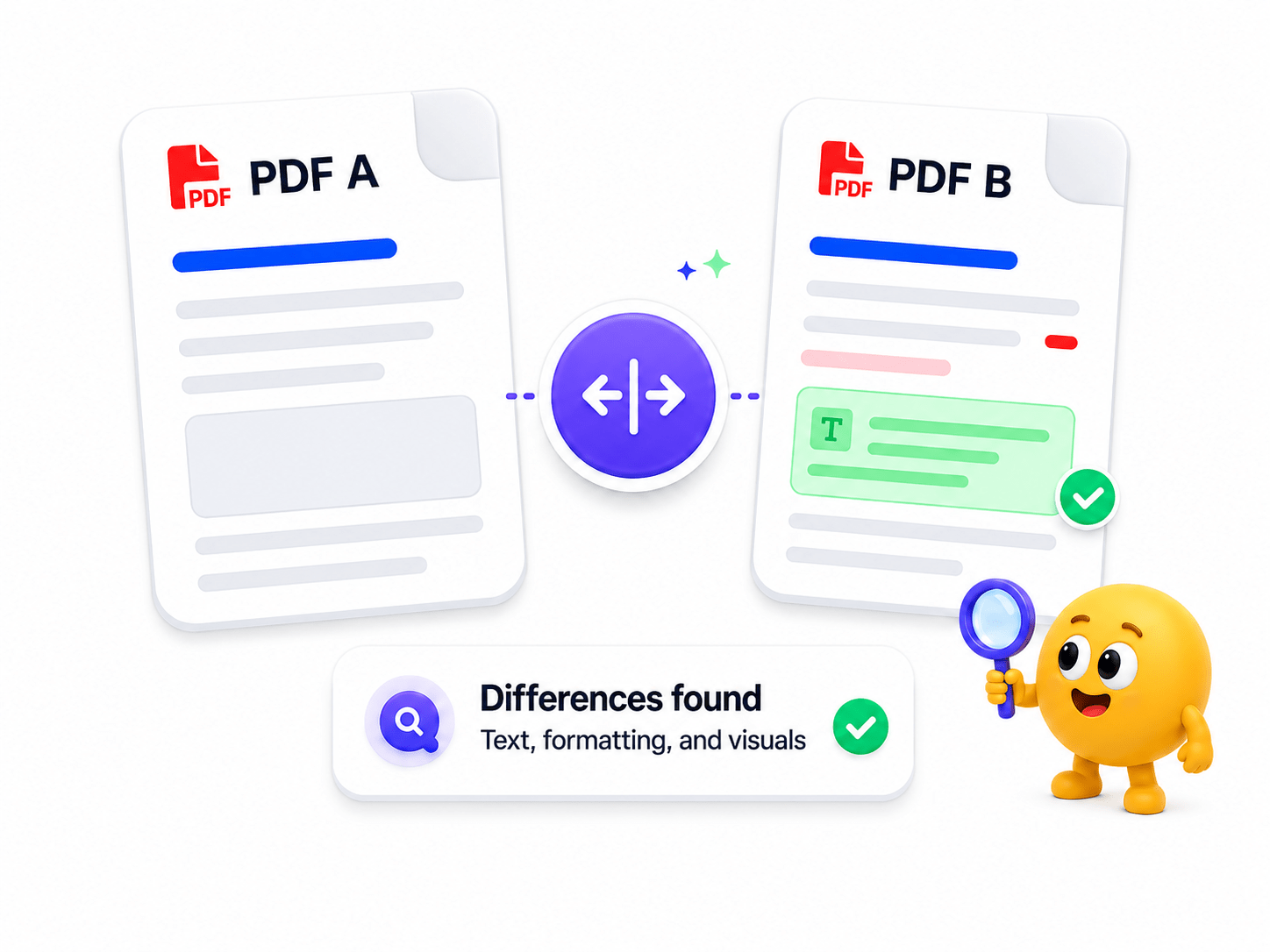
How to Compare PDFs
Instantly identify differences in text, formatting, layout, and images between two PDF documents — all processed locally on your device.
- Select your original and modified PDF files.
- Run the comparison engine.
- Review text, formatting and image differences.
- Export or save the comparison report.
Key Features
Engineered for robust performance, absolute privacy, and efficiency.
Visual & Text Diff
Spot modified text, inserted sentences, and graphical layout changes simultaneously.
100% Local & Offline
Your confidential legal and financial documents remain strictly on your desktop.
Export Diff Reports
Save annotated PDF reports highlighting every change for client or audit reviews.
Use Cases
Discover how professionals leverage this tool across various industries.
Legal Contracts
Catch subtle clause changes and unauthorized edits in legal agreements.
Financial Reports
Compare quarterly balance sheets and audit files side-by-side.
Engineering Blueprints
Highlight revision differences across technical drawings and specs.
FAQs
Got questions about our features or security? We've got answers.