
Organize PDFs
Arrange, reorder, rotate, add, or delete pages in a simple visual layout.
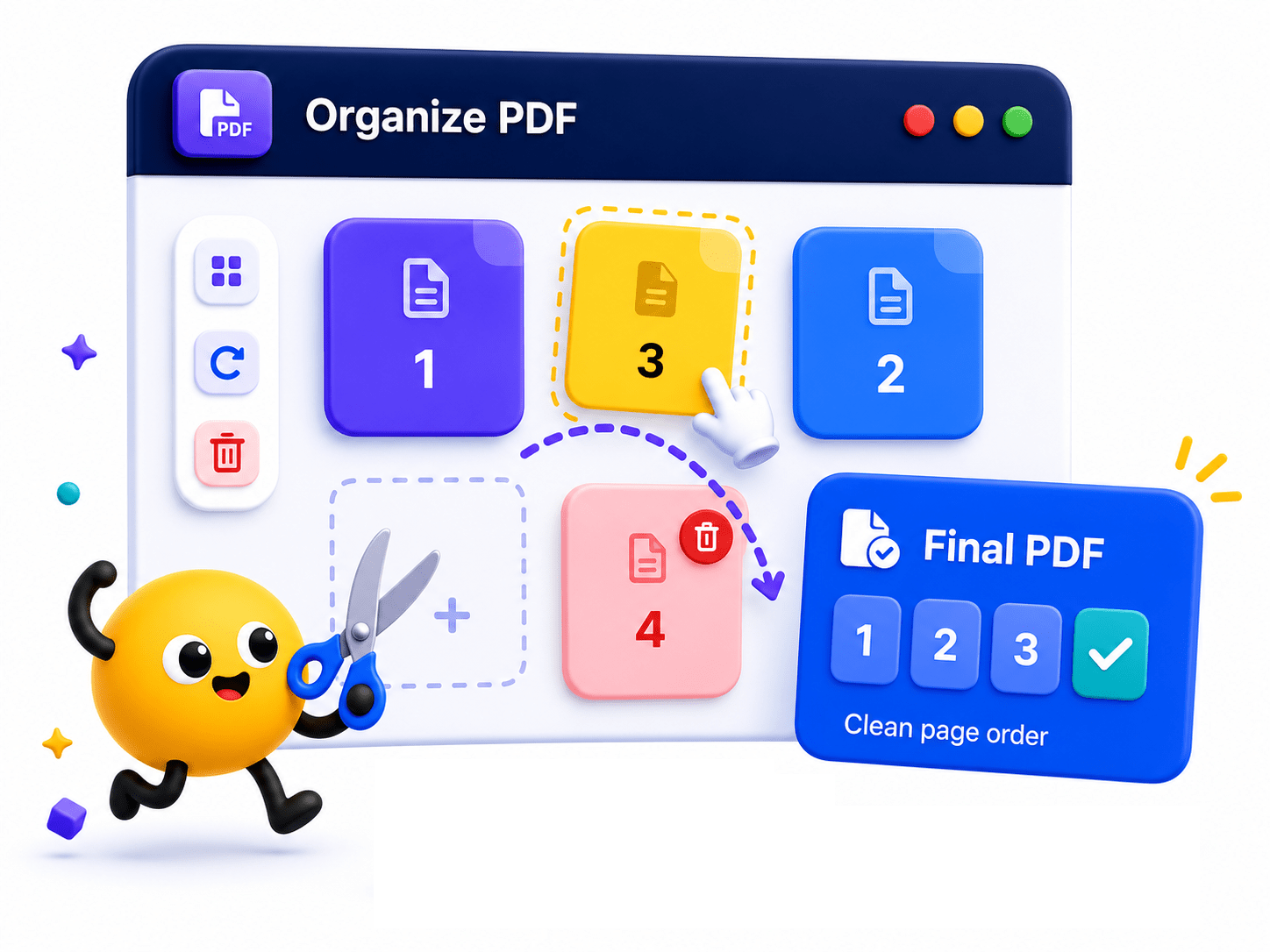
How to Organize PDF Pages
Visually manage your document pages with drag-and-drop ease.
- Upload your PDF document and Images to view the page grid.
- Drag pages to reorder them, or rotate/delete pages as needed.
- Save your newly organized PDF file.
Key Features
Engineered for robust performance, absolute privacy, and efficiency.
Visual Grid View
See your entire document laid out in thumbnail format for rapid editing.
Drag & Drop UI
Rearrange the flow of your document instantly with intuitive mouse controls.
Multi-Action Editing
Rotate upside-down pages, delete blank sheets, and reorder simultaneously.
Use Cases
Discover how professionals leverage this tool across various industries.
Legal & Court Exhibits
Reorder pages, correct inverted scans, and structure legal exhibits precisely to meet strict court filing requirements.
Presentation Assembly
Rearrange slide decks to optimize the narrative flow before a meeting.
Scan Cleanup
Remove blank pages or out-of-order documents from a bulk hardware scanner.
Document Formatting
Ensure cover pages, indexes, and appendices are in the correct sequence.
FAQs
Got questions about our features or security? We've got answers.