
Unlock PDF
Effortlessly remove password protection and restriction locks from PDFs you own with complete local privacy.
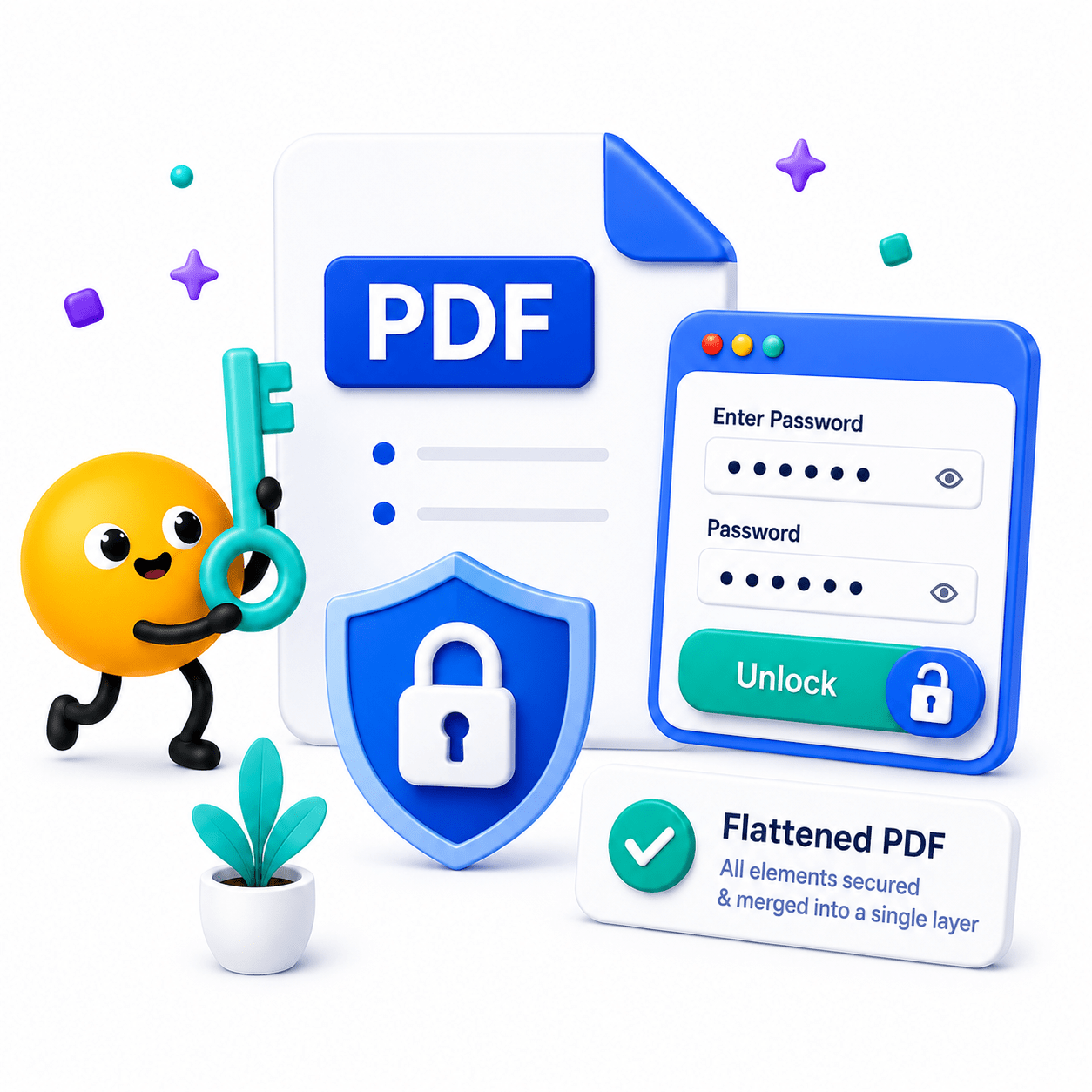
How to Unlock a PDF in Simple Steps
Remove security restrictions from your own PDF documents seamlessly.
- Select your locked PDF file.
- Provide the current password to authorize unlocking.
- Save your unrestricted PDF file.
Key Features
Engineered for robust performance, absolute privacy, and efficiency.
Instant Decryption
Input your known password once and strip the security wrappers in mere seconds.
Remove Restrictions
Lift annoying print blocks, copy-paste restrictions, and document editing lockouts instantly.
Secure Local Processing
Your unencrypted files are processed completely on-device and never exposed to the internet.
Use Cases
Discover how professionals leverage this tool across various industries.
Print & Copy Enabling
Strip restrictive permission flags from documents you legally own so you can print physical copies or extract text.
Legacy File Access
Remove passwords from old tax returns or archived legal files for easier daily access.
Workflow Automation
Decrypt files locally so they can be smoothly parsed by your internal document management systems, text readers, or scripts.
FAQs
Got questions about our features or security? We've got answers.