
Text Compare
Compare source code, reports, notes, or plain text files and instantly highlight every change.
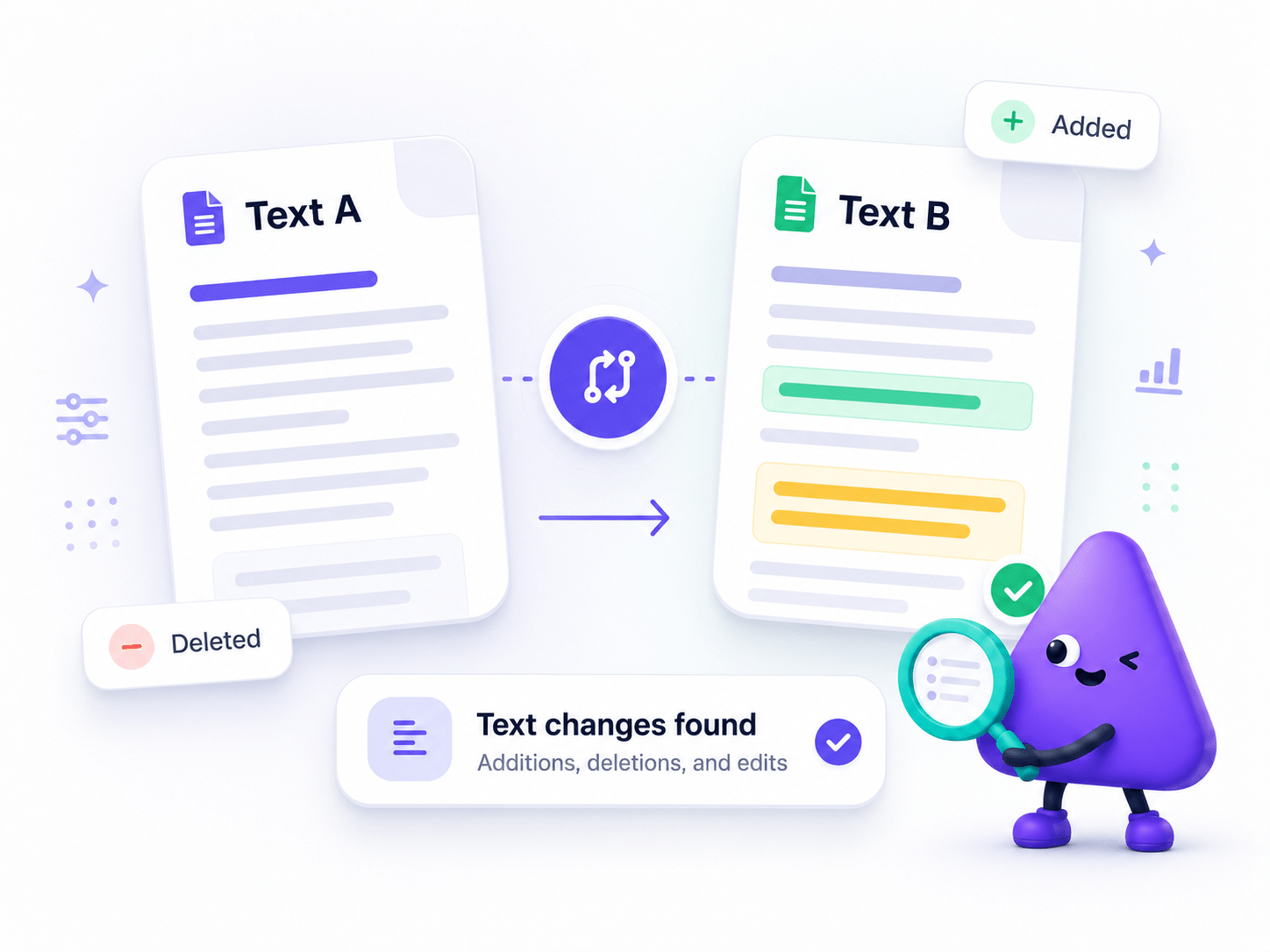
How to Compare Text
Instantly compare two text files or pasted text blocks and highlight additions, deletions, and edits — all processed locally on your device.
- Select your original and modified files or paste text.
- Run the comparison engine.
- Review highlighted additions, deletions and edits.
Key Features
Engineered for robust performance, absolute privacy, and efficiency.
Instant Highlighting
Instantly spot added, deleted, or modified words, lines, and characters.
Multiple Formats
Seamlessly compare raw text, log files, or direct clipboard pastes.
Completely Offline
Your text files remain securely on your local machine with zero cloud uploads.
Use Cases
Discover how professionals leverage this tool across various industries.
Drafting & Review
Compare early drafts and final executions side-by-side to track revisions, verify exact phrasing, and streamline the legal review process.
Software Development
Securely compare complex code snippets, configuration files, and application logs completely offline.
Data Analysis
Instantly spot critical variations across massive CSV data exports and local database dumps.
Content Editing
Seamlessly review early drafts and track meticulous revisions across text documents side-by-side.
FAQs
Got questions about our features or security? We've got answers.