
Rotate PDF
Rotate misaligned or upside-down pages to the correct orientation.
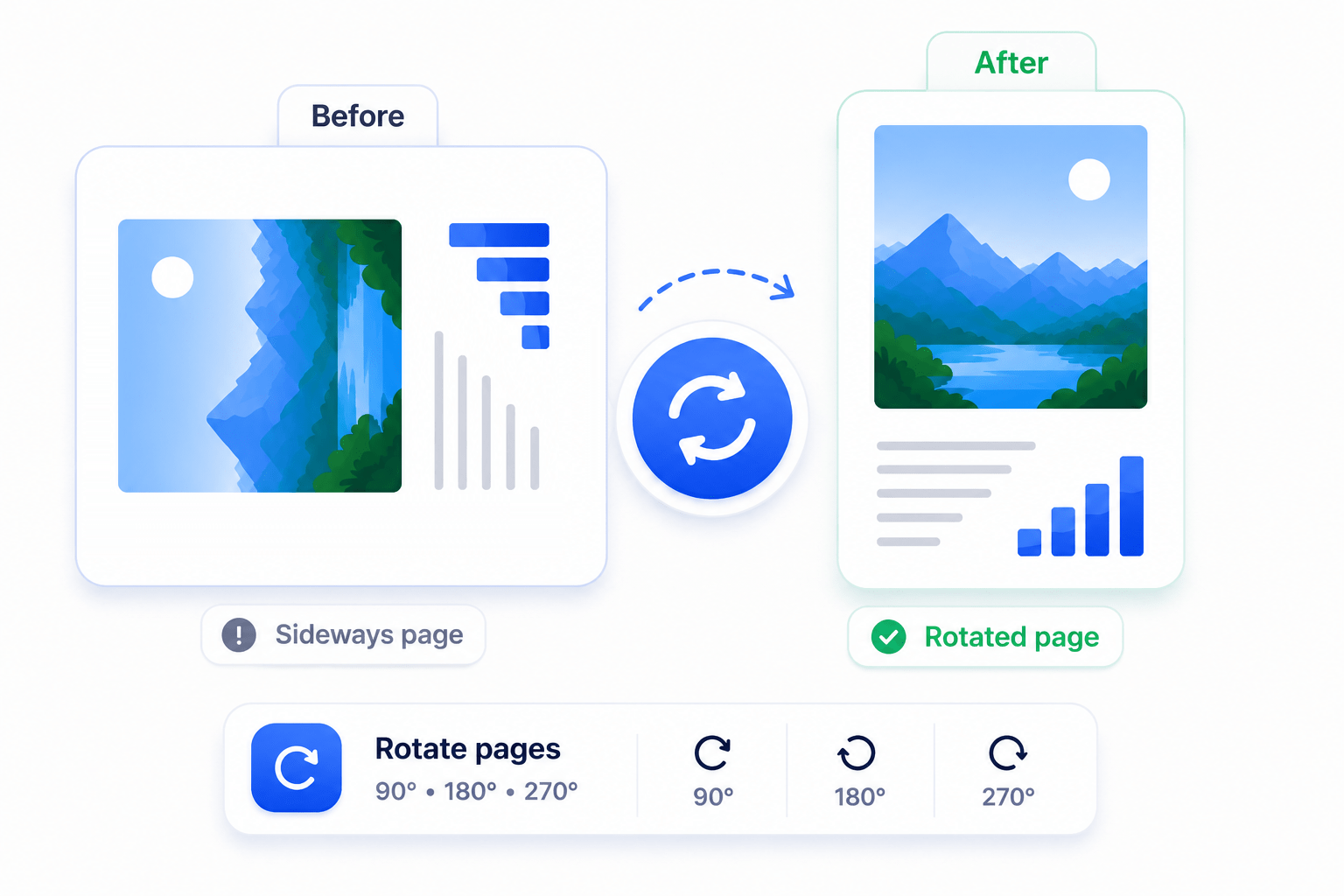
How to Rotate PDF Pages
Quickly fix page orientation issues on your local device.
- Upload your PDF document.
- Select the pages and choose your rotation angle (90°, 180°, etc.).
- Save the updated document.
Key Features
Engineered for robust performance, absolute privacy, and efficiency.
Precision Control
Rotate pages individually by 90, 180, or 270 degrees.
Bulk Rotation
Select all pages or specific page ranges to fix orientation instantly.
Permanent Fix
Saves the orientation into the file's core metadata, not just as a visual overlay.
Use Cases
Discover how professionals leverage this tool across various industries.
Mobile Photo Scans
Correct documents that were photographed sideways on a phone camera.
Printer Feed Errors
Fix batches of pages that were fed upside down into a physical scanner.
Landscape Blueprints
Ensure landscape architectural drawings are viewed right-side-up.
FAQs
Got questions about our features or security? We've got answers.
Are my files uploaded to the cloud?
No. All files are processed locally on your device and are never uploaded to our servers.
Is my data secure?
Yes. Your documents remain on your computer throughout the entire process.
Can I process large files?
Yes. LawtonPDF uses your computer's hardware to process large files efficiently without upload limits.
Which operating systems are supported?
LawtonPDF is currently available for Windows.
Can I use LawtonPDF for business or commercial work?
Yes. LawtonPDF is designed for individuals, professionals, law firms, engineering teams, healthcare organizations, and businesses.
Is the rotation permanent?
Yes, when you click save, the file's internal orientation data is updated permanently.