
Password Protect PDF
Encrypt your files with strong AES 256-bit protection and a secure password.
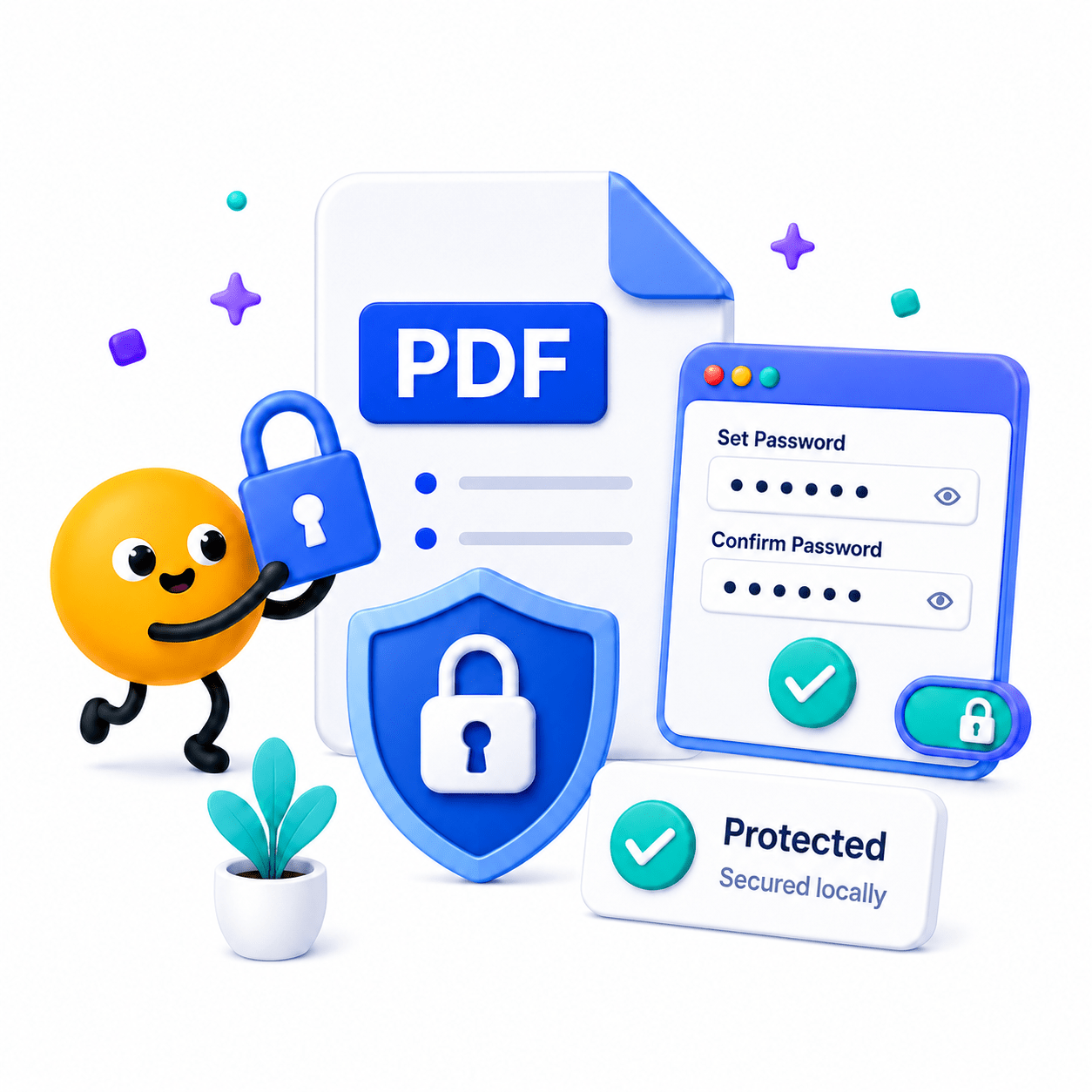
How to Password Protect a PDF
Secure your confidential documents with robust local encryption.
- Upload the PDF file you want to secure.
- Enter and confirm your secure password.
- Apply encryption and save your protected PDF.
Key Features
Engineered for robust performance, absolute privacy, and efficiency.
Standard AES-256 Encryption
Apply AES 256-bit encryption standard to fully secure your file contents.
Permission Toggles
Restrict viewers from printing, copying text, or making edits.
Zero Data Logging
Passwords and encryption keys are processed locally; we never see or store your credentials.
Use Cases
Discover how professionals leverage this tool across various industries.
Legal Client Deliverables
Secure sensitive briefs, case files, and confidential legal deliverables locally to guarantee zero data leaks before sharing with clients.
HR & Payroll
Secure employee pay stubs, offer letters, and tax documents before emailing.
Financial Services
Lock down sensitive bank statements and investment portfolios.
FAQs
Got questions about our features or security? We've got answers.