
Passport Snap
Create professional, print-ready passport copies in seconds. Automatically scale and position your passport page onto a standard PDF layout with consistent margins and alignment. Every document is processed locally on your device—never uploaded to the cloud.
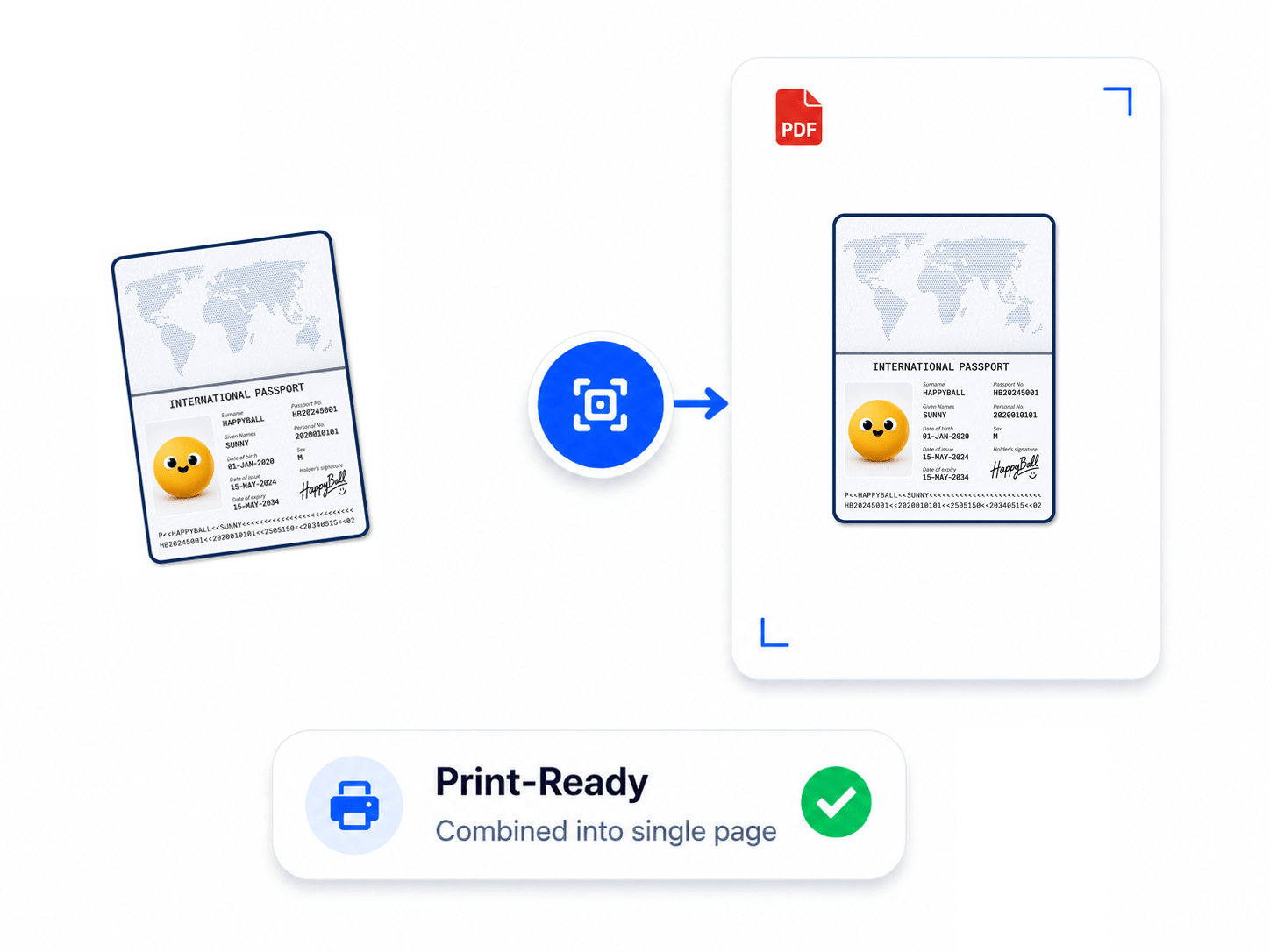
How to Place Passport Pages on PDF
Place your passport page onto a standard PDF page with automatic scaling and alignment for a clean, print-ready document. All processing is performed locally on your device for maximum privacy.
- Open the Passport Page tool and select your passport page image.
- Review the automatically scaled and aligned preview.
- Click 'Save As' to create a print-ready PDF.
Key Features
Engineered for robust performance, absolute privacy, and efficiency.
Optimal Scaling
Automatically sizes your passport photo page to standard verification dimensions.
Print-Ready Output
Creates a standard PDF that is ready to print without manual resizing or formatting.
High-Quality Results
Preserves sharp text, photos, and security details for clear, readable passport copies.
Fast Conversion
Generates professionally formatted passport PDFs in seconds with a simple, one-step workflow.
Use Cases
Discover how professionals leverage this tool across various industries.
Visa Applications
Create properly formatted passport copies that meet common visa and embassy documentation requirements.
Identity Verification
Prepare clear passport copies for banks, employers, government agencies, and legal verification.
Travel Documentation
Keep professional digital or printed passport copies for travel, bookings, and emergency records.
FAQs
Got questions about our features or security? We've got answers.