
Page Numbers / Watermark
Insert page numbers or watermarks into an existing PDF document.
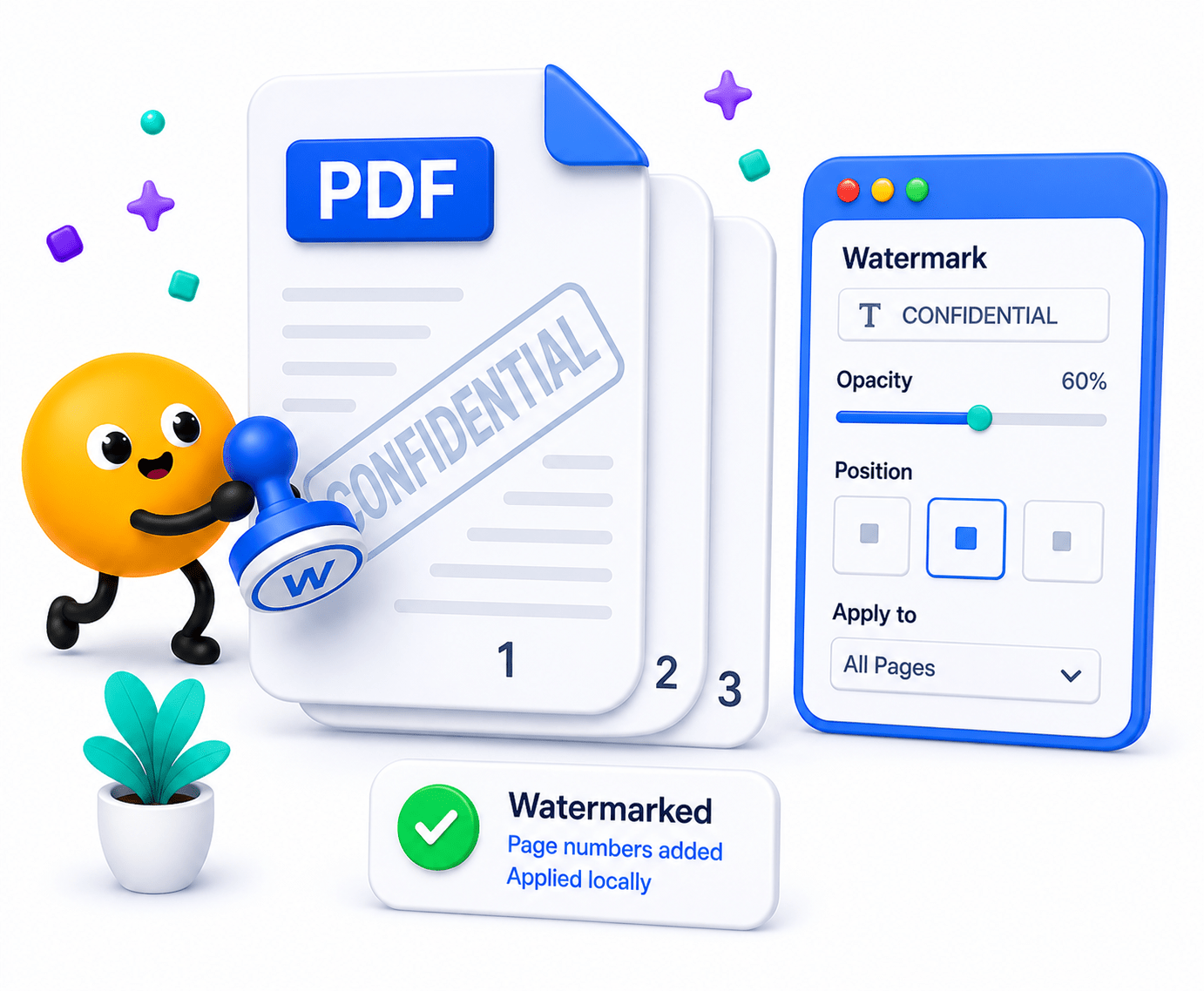
How to Add Page Numbers or Watermarks
Customize your layout with professional numbering or text stamps.
- Select your target PDF file into the LawtonPDF interface.
- Choose whether you want to add page numbers, Bates numbering, or custom text watermarks.
- Click process to apply the changes locally and save your finalized, professionally formatted document.
Key Features
Engineered for robust performance, absolute privacy, and efficiency.
Custom Positioning
Place numbers or watermarks in exact corners, margins, or dead-center.
Dynamic Text Stamps
Apply transparent text watermarks like 'CONFIDENTIAL' or 'DRAFT'.
Bates Numbering Ready
Add sequential indexing required for legal and medical documentation.
Use Cases
Discover how professionals leverage this tool across various industries.
Legal Briefs & Exhibits
Apply sequential Bates numbering and confidentiality stamps for court submissions and legal discovery.
Academic Theses
Format custom page headers, footers, and numbering to meet strict university formatting guidelines.
Corporate Drafts
Watermark internal documents with 'DO NOT DISTRIBUTE' to prevent leaks.
FAQs
Got questions about our features or security? We've got answers.