
Image Compare | compare for Free
Detect visual differences between two images instantly.
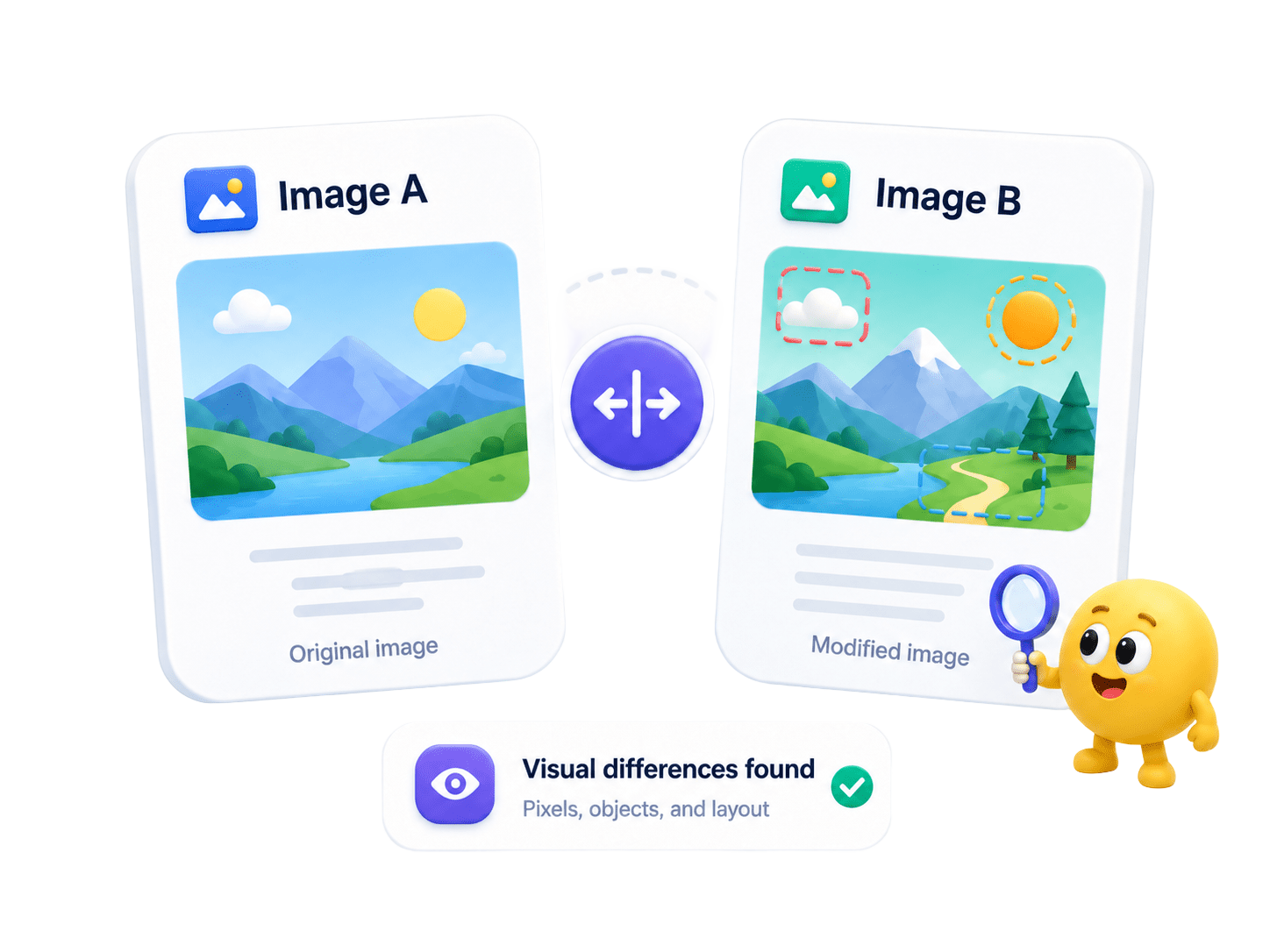
How to Compare Images
Detect subtle visual changes, pixel shifts, object differences, and layout updates between two image files — all processed locally on your device.
- Select your original image and the modified image.
- Run the comparison engine to scan pixel-level and structural differences.
- Review highlighted visual changes in a side-by-side or overlay view.
- Save the comparison result for review or documentation.
Key Features
Engineered for robust performance, absolute privacy, and efficiency.
Pixel-Perfect Analysis
Highlight even the smallest visual shifts, color changes, and artifact additions.
Interactive Inspection
Use overlay masks and sliders for easy visual inspection.
Broad Format Support
Seamlessly compare PNG, JPEG, JPG, and BMP image files locally.
Use Cases
Discover how professionals leverage this tool across various industries.
UI/UX Design QA
Compare design mockups against coded frontend screenshots.
Marketing Assets
Review banner ads, brochures, and visual creatives for subtle revisions.
Medical & Scientific
Overlay scans or diagrams to detect minute physical changes.
FAQs
Got questions about our features or security? We've got answers.