
ID Snap
ID Snap captures both sides of an ID card and places them neatly on a single page, ensuring clean, print-ready copies for filing, submission, or recordkeeping.
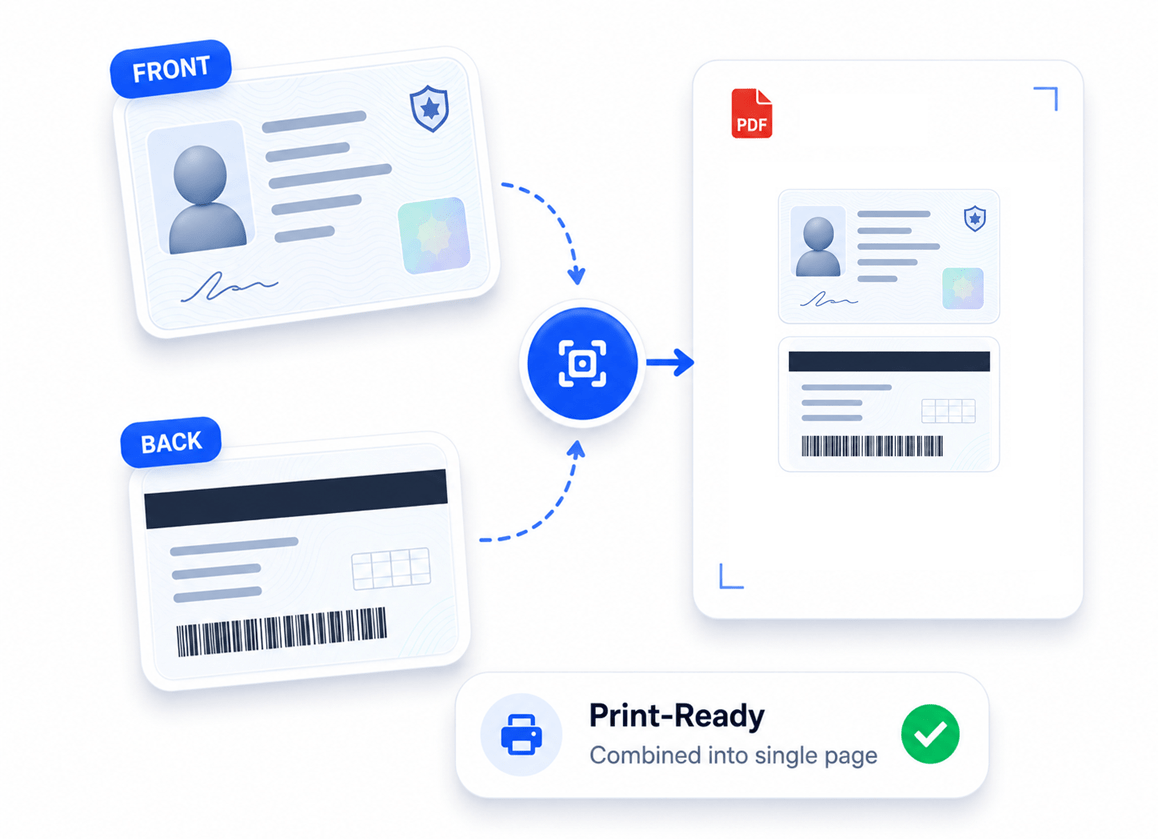
How to Place ID Front and Back on the Same PDF Page
ID Snap combines the front and back of an ID card into a single, neatly aligned PDF page for printing, filing, or digital recordkeeping.
- Open the ID Snap tool and upload the front and back images of your ID.
- Adjust the layout, page size, quality, and color settings if needed.
- Click 'Save As' to generate a single PDF with both sides neatly arranged.
Key Features
Engineered for robust performance, absolute privacy, and efficiency.
Auto-Alignment
Automatically snaps the front and back of your ID into a perfectly centered, stacked or side-by-side layout.
Standard Page Output
Outputs cleanly to standard A4 or US Letter formats, ready for physical printing or archiving.
Zero Cloud Processing
Your highly sensitive PII (driver's licenses, passports, state IDs) never touches the web and stays entirely on your machine.
Use Cases
Discover how professionals leverage this tool across various industries.
Law Firm Client Verification
Consolidate client identification cards securely onto single-page records for compliance files, court filings, and case management.
HR Onboarding
Quickly format employee identification cards and driver's licenses for I-9 compliance and personnel files.
Tenant Background Checks
Consolidate applicant IDs into clean single pages for rental applications and lease agreements.
KYC Verification
Create standardized ID layouts for 'Know Your Customer' financial requirements and corporate compliance.
FAQs
Got questions about our features or security? We've got answers.