
Folder Compare | for Free
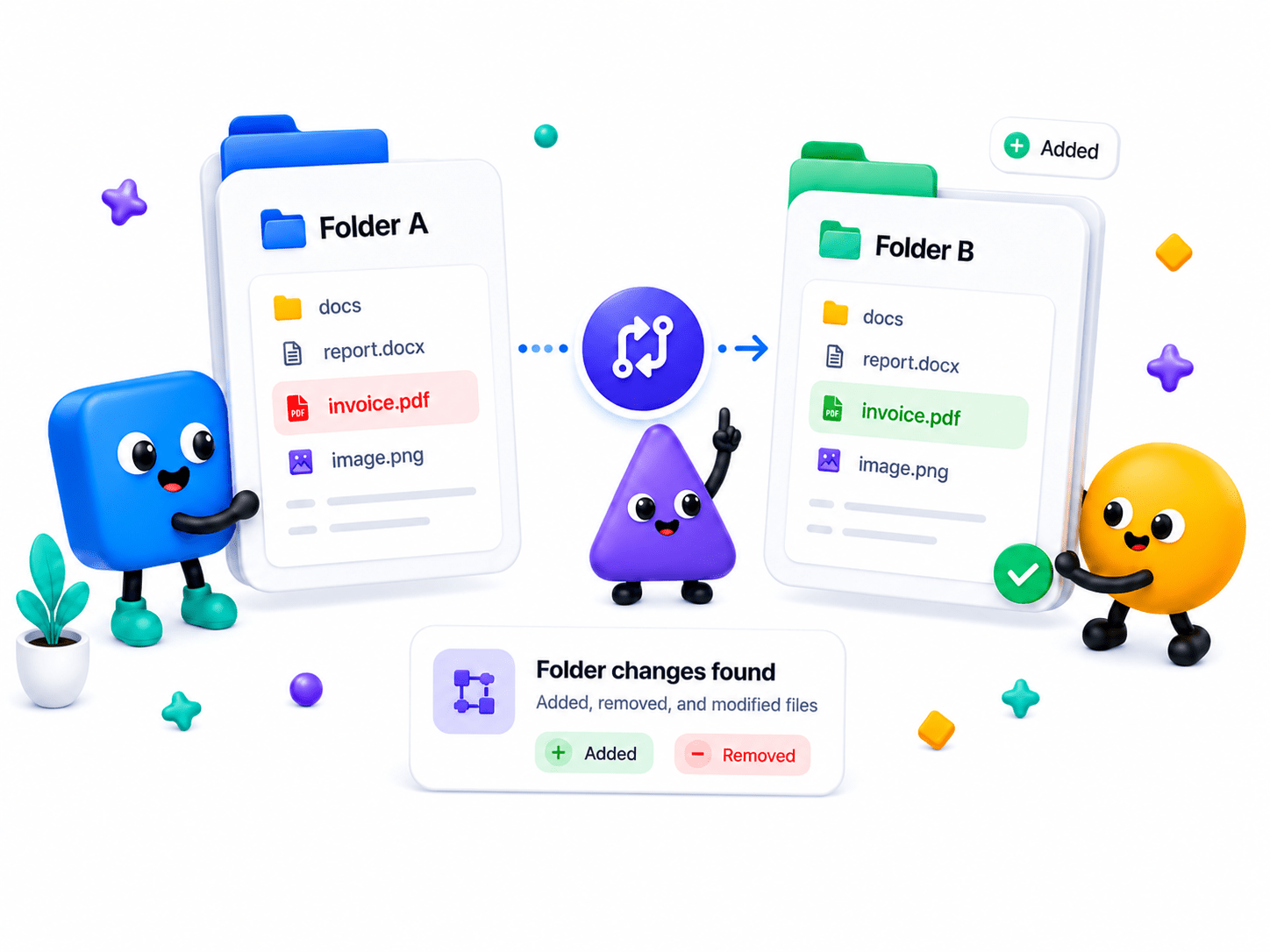
Instantly compare two folders and identify added, removed, renamed, or modified files — all processed locally on your device.
How to Compare Folders
Instantly compare two folders and identify added, removed, renamed, or modified files — all processed locally on your device.
- Select your original folder and the modified folder from your local file system.
- Run the folder scanner to map files, subfolders, and directory structure.
- Review added, removed, and modified files side by side.
Key Features
Engineered for robust performance, absolute privacy, and efficiency.
Recursive Directory Scanning
Scan and map out deep folder structures and nested subdirectories.
Direct Path Mapping
Reads actual absolute file paths on your machine for 100% accurate system syncing.
Status Indicators
Clear visual tags for files that are new, modified or deleted.
Use Cases
Discover how professionals leverage this tool across various industries.
Local Backups
Verify that an external hard drive perfectly matches your local system folders.
Codebase Auditing
Compare project versions or framework updates before deployment.
Media Organization
Find missing photos or duplicate video assets across multiple project drives.
FAQs
Got questions about our features or security? We've got answers.