
Flatten PDF
Merge layers, form fields, and annotations into a single, stable layer to ensure your document looks exactly the same on every device.
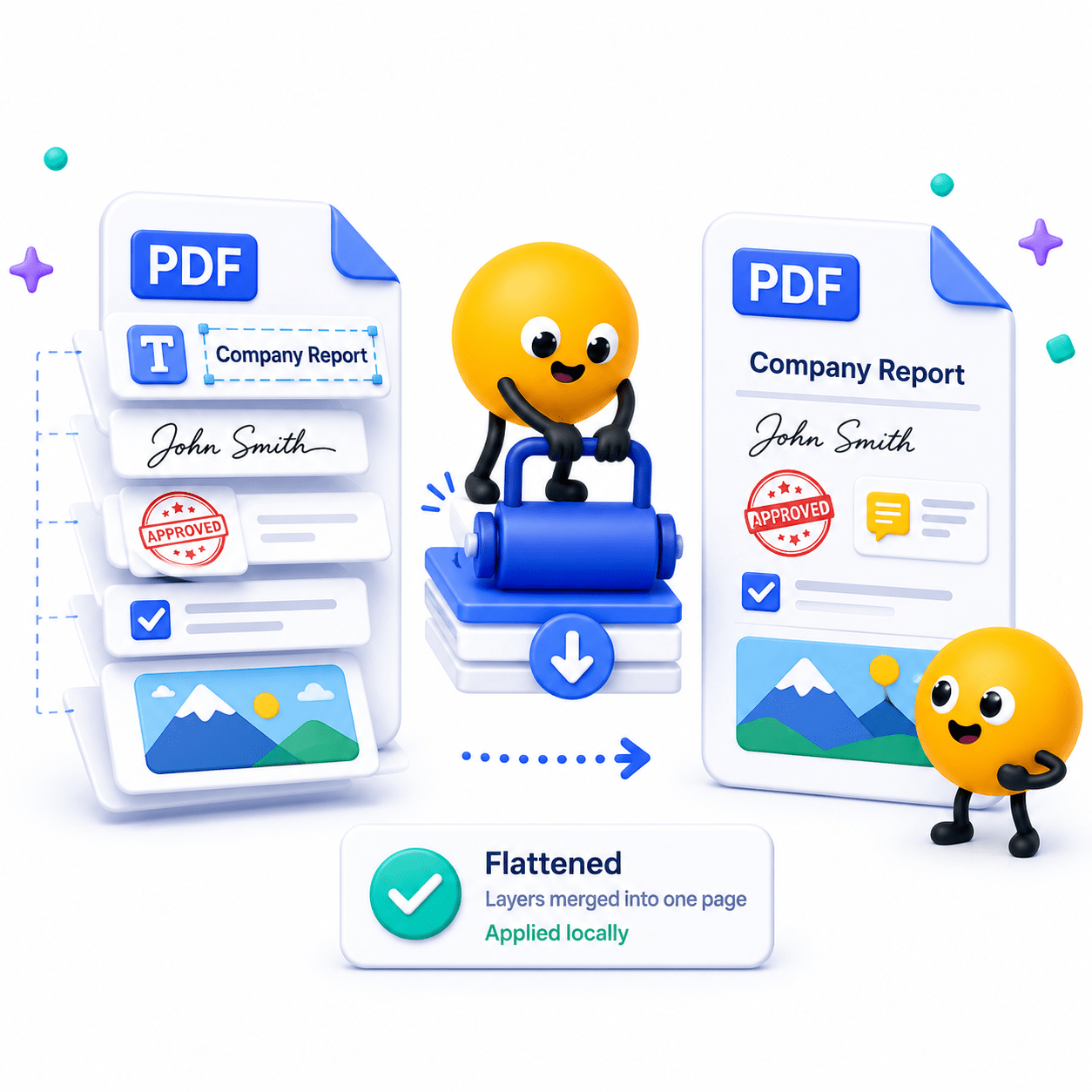
How to Flatten PDF Documents
Merge layers, form fields, and annotations into a single, stable layer to ensure your document looks exactly the same on every device.
- Open the Flatten PDF tool and select your PDF file.
- Review the document and choose any available flattening options.
- Click 'Save As' to create a flattened PDF—all processing stays on your device.
Key Features
Engineered for robust performance, absolute privacy, and efficiency.
Form Field Locking
Permanently bake input text and checkboxes into the page so they cannot be altered.
Annotation Merging
Lock down comments, digital signatures, and highlights into the core document visual.
Cross-Device Consistency
Ensure your document renders identically on mobile phones, web browsers, and print software.
Use Cases
Discover how professionals leverage this tool across various industries.
Legal & Contracts
Prevent post-signing manipulation of digital contracts and forms.
Print Preparation
Flatten transparency layers and fonts to prevent pre-press printing errors.
Digital Archiving
Create static, uneditable records for long-term compliance storage.
FAQs
Got questions about our features or security? We've got answers.