
Extract PDF Pages
Maintain the original layout, fonts, formatting, and design while extracting pages.
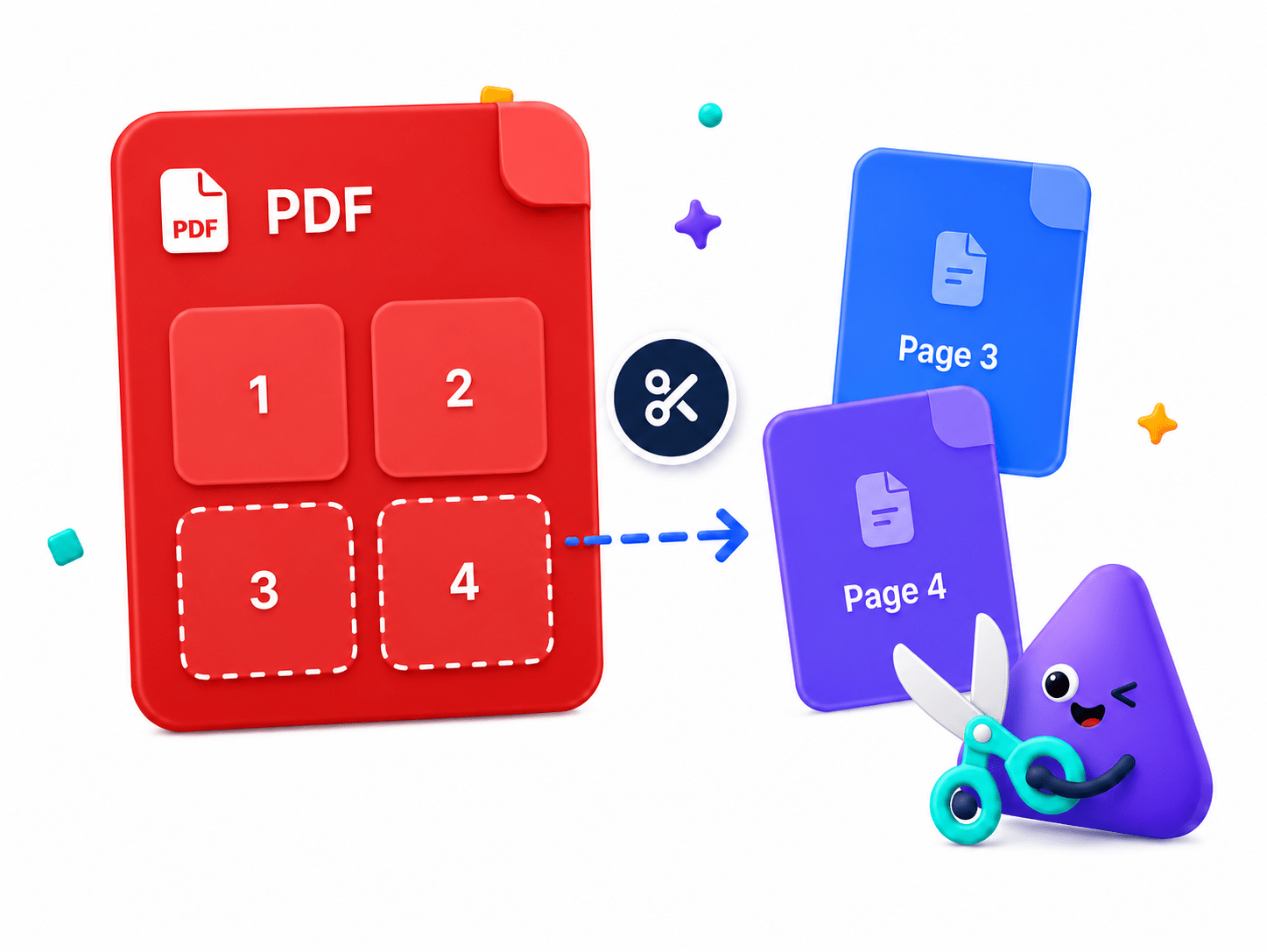
How to Extract/Separate Pages From PDF Files
Maintain the original layout, fonts, formatting, and design while extracting pages.
- Open the Extract Pages tool and select your PDF.
- Select the pages you want to extract using the page preview.
- Click 'Save As' to create a new PDF—all processing stays on your device.
Key Features
Engineered for robust performance, absolute privacy, and efficiency.
Lossless Extraction
Pages are extracted with 100% original quality, maintaining fonts and layouts.
Custom Page Ranges
Select specific pages, sequences, or even/odd layouts to pull from the master file.
Instant Export
Generate new PDFs in seconds, completely offline without waiting for cloud queues.
Use Cases
Discover how professionals leverage this tool across various industries.
Legal Exhibits
Pull specific contract pages to create focused exhibit documents.
Academic Sharing
Extract a single textbook chapter or journal article to share.
Report Segmentation
Split large quarterly reports into department-specific documents.
FAQs
Got questions about our features or security? We've got answers.